Introduction
In the DevOps world, containerization has transformed how applications are built, deployed, and scaled. Among container orchestration platforms, Amazon Elastic Container Service (ECS) stands out for its simplicity, scalability, and deep integration with other AWS services.These issues can cause delays in continuous delivery pipelines, increase network bandwidth usage, and lead to unnecessary AWS costs.
Optimizing Docker images is therefore not just about performance it’s about efficiency, cost control, and deployment reliability.
Understanding Docker Image Optimization
A Docker image is essentially a layered file system that contains everything your application needs to run
including the operating system, dependencies, libraries, and configuration files.

When an image is poorly structured or includes unnecessary components, it grows in size. Large images take longer to build, push, pull, and deploy to ECS.
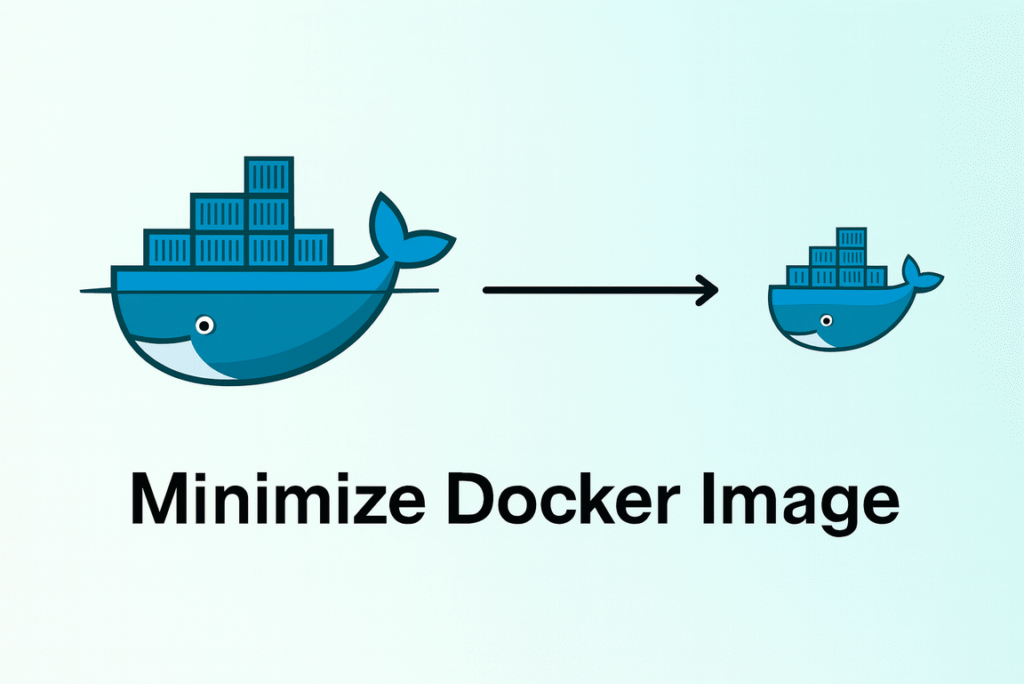
Optimizing Docker images means refining each layer to include only what’s essential for your application. This improves speed, security, and stability.
Why Optimization Is Important for AWS ECS
When using ECS whether with EC2 or Fargate Docker image size and structure directly affect:
Deployment Speed – ECS tasks pull the image from ECR each time a new service or revision starts. Smaller images download faster, leading to reduced downtime.
Build Time in CI/CD – Optimized images reduce build times, accelerating your development cycle.
Storage Costs – Amazon ECR charges for storage; smaller images reduce costs significantly.
Security and Maintenance – Fewer dependencies mean fewer vulnerabilities and less maintenance overhead.
In short: smaller, cleaner images = faster ECS deployment and smoother scaling.
Key Techniques for Optimizing Docker Images
1. Choose Lightweight Base Images
The choice of a base image is crucial. Heavy base images like Ubuntu or Debian come with unnecessary packages that increase image size. Instead, use minimal images such as Alpine Linux.
2. Use Multi-Stage Builds
In a multi-stage build, you separate your build environment from the runtime environment. This means only the essential compiled or built files go into the final image.
This technique significantly reduces the final image size and eliminates unnecessary build dependencies from production images.
3. Leverage Docker Layer Caching
Docker builds images in layers. If your layers are structured correctly, Docker can reuse previously built layers. This saves build time, especially in CI/CD pipelines.
The general rule is: place frequently changing files at the bottom and rarely changing files at the top of your Dockerfile to maximize cache efficiency.
4. Remove Unnecessary Files and Packages
Always clean up temporary files, caches, and logs created during builds.
By doing this, the Docker build context remains minimal, leading to faster builds and smaller image sizes.
5. Implement Security and Version Pinning
When pulling base images or dependencies, avoid using latest tags. Always pin specific versions
This ensures consistent builds and prevents unexpected behavior when base images are updated.
Optimized images also reduce the attack surface by including only what’s needed — an essential aspect of DevSecOps best practices.
Integrating with AWS ECR and ECS
After creating an optimized Docker image, it is stored in Amazon Elastic Container Registry (ECR). When you deploy an ECS service, ECS pulls the image from ECR to run tasks.
An optimized image reduces:
The time taken to pull images from ECR.
The network bandwidth used during deployments.
The startup time of ECS tasks or services.
This leads to smoother blue-green deployments and faster application rollouts in production.
The Benefits in Numbers
| Metric | Before Optimization | After Optimization |
|---|---|---|
| Image Size | ~900 MB | ~150 MB |
| ECS Deployment Time | ~5 minutes | ~2 minutes |
| CI/CD Build Time | ~6 minutes | ~3 minutes |
| Security Vulnerabilities | High | Minimal |
These optimizations not only improve performance but also help reduce AWS costs and enhance system reliability.
Conclusion
Optimizing Docker images is one of the simplest yet most impactful improvements DevOps engineers can make in their AWS ECS workflows.
By adopting lightweight base images, multi-stage builds, efficient caching, and proper cleanup, teams can achieve faster build cycles, quicker ECS deployments, and significant cost savings.