

Migrating a WordPress Website to React: A Simple Guide
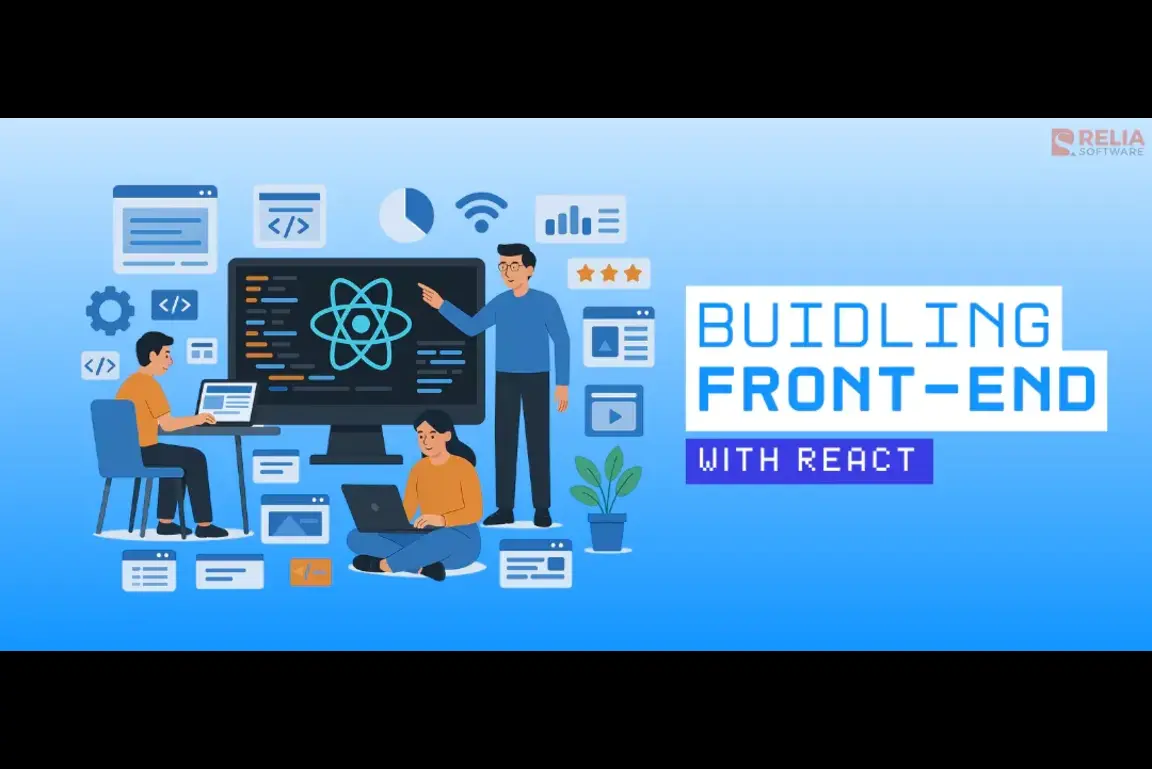
Thinking of moving your WordPress site to a React-based front-end? At Speqto, we help teams modernize their web stacks with clean, component-driven UIs—without losing SEO, content, or performance. This quick guide explains why we migrate, how we keep things simple, and what you’ll get at the end.
Why Move from WordPress to React?
WordPress is great for content. React is great for speed and UX. Combining them lets you keep WordPress as a headless CMS while React powers a fast, app-like interface. The result: improved performance, better developer experience, and flexible integrations—without disrupting your content teams.
Our Simple Migration Plan
1. Keep WordPress for Content (Headless)
We turn WordPress into your content API using REST or GraphQL. Editors keep the same WP login, roles, and workflows. No content rewrites, no messy exports.
2. Build a React Front-End
We create a React app (Next.js recommended) that fetches posts, pages, menus, and media from WordPress. Components mirror your existing design or a fresh UI kit—your call. We focus on fast loads, accessibility, and clean routing.
3. SEO & Performance Preserved
Using SSR/SSG, meta tags, and structured data, we keep rankings stable while improving Core Web Vitals. Image optimization and caching reduce load times and bandwidth costs.
What You’ll Get
A modern React site backed by your familiar WordPress editor. Faster pages, easier A/B testing, flexible theming, and integrations with analytics, marketing tools, and payment gateways—without locking you into a single plugin ecosystem.
Tech We Use (Simple & Proven)
1. WordPress (Headless)
Use WP REST API or WPGraphQL for content, Yoast/RankMath for SEO fields, and native media library for assets.
2. React with Next.js
Static generation for posts and pages, server rendering for dynamic sections, API routes for secure server logic, and route-based code splitting.
3. Styling & Deploy
Tailwind CSS for rapid UI, image optimization via Next/Image, and deployment on Vercel/Netlify with a CDN for global speed.
How We Keep It Simple
We migrate in phases: map content types, rebuild core pages, test SEO, then switch traffic. Editors continue publishing in WordPress the whole time—zero downtime, minimal risk.
Conclusion
Migrating from WordPress to React doesn’t have to be complex. With a headless setup and a lightweight React front-end, you keep the best of both worlds: content simplicity and modern speed. Speqto can help you plan, migrate, and launch smoothly—so your team ships faster and your users enjoy a better experience.