
Building Your First REST API with Node.js and Express
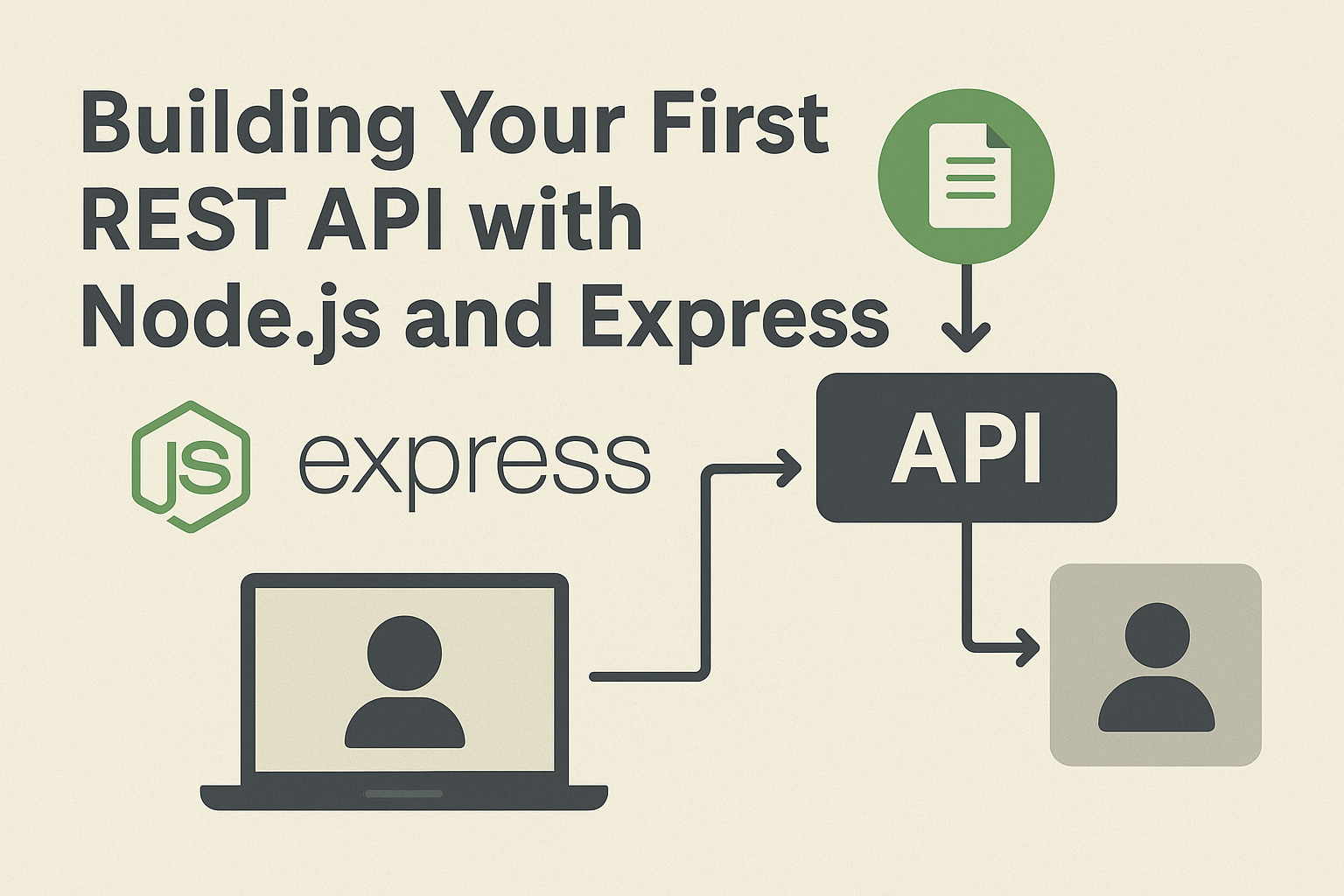
REST APIs are the backbone of modern web and mobile applications. They allow clients and servers to communicate effectively, exchanging data in a structured way. In this blog, we’ll walk through the process of building your first REST API using Node.js and Express – one of the most popular frameworks for server-side JavaScript.
Why Use Express for APIs?
While Node.js provides the core runtime, Express.js simplifies the process of building APIs by offering an easy-to-use framework. It provides routing, middleware support, and a clean structure to build scalable applications. With Express, you can create REST APIs in just a few lines of code.
Step-by-Step Guide to Building Your First REST API
1. Initialize a New Node.js Project
Create a project folder and initialize it with npm:
mkdir my-first-api
cd my-first-api
npm init -y
This sets up your project and creates a package.json file.
2. Install Express
Next, install Express.js:
npm install expressThis adds Express as a dependency to your project.
3. Create Your API Server
Inside your project, create a file named server.js and add the following code:
const express = require('express');
const app = express();
const PORT = 3000;

// Middleware to parse JSON
app.use(express.json());

// Sample data
let users = [
  { id: 1, name: 'John Doe' },
  { id: 2, name: 'Jane Smith' }
];

// GET all users
app.get('/api/users', (req, res) => {
  res.json(users);
});

// GET single user
app.get('/api/users/:id', (req, res) => {
  const user = users.find(u => u.id === parseInt(req.params.id));
  user ? res.json(user) : res.status(404).json({ message: 'User not found' });
});

// POST new user
app.post('/api/users', (req, res) => {
  const newUser = {
    id: users.length + 1,
    name: req.body.name
  };
  users.push(newUser);
  res.status(201).json(newUser);
});

// PUT update user
app.put('/api/users/:id', (req, res) => {
  const user = users.find(u => u.id === parseInt(req.params.id));
  if (user) {
    user.name = req.body.name || user.name;
    res.json(user);
  } else {
    res.status(404).json({ message: 'User not found' });
  }
});

// DELETE user
app.delete('/api/users/:id', (req, res) => {
  users = users.filter(u => u.id !== parseInt(req.params.id));
  res.json({ message: 'User deleted successfully' });
});

// Start server
app.listen(PORT, () => {
  console.log(`Server running on http://localhost:${PORT}`);
});
This simple API allows you to perform CRUD operations (Create, Read, Update, Delete) on a list of users.
4. Test Your API
Run your server with:
node server.jsUse tools like Postman or curl to test your API endpoints:
GET /api/users→ Fetch all usersGET /api/users/:id→ Fetch a single userPOST /api/users→ Add a new userPUT /api/users/:id→ Update a userDELETE /api/users/:id→ Delete a user
How This Helps You
By creating this REST API, you’ve built a foundation for more advanced applications. You can now connect your frontend (React, Angular, Vue, or even mobile apps) to this backend and manage data seamlessly. Understanding the basics of Express and REST APIs opens doors to building scalable full-stack applications.
Conclusion
Building your first REST API with Node.js and Express is a major step toward becoming a full-stack developer. With just a few lines of code, you created a functional backend that supports CRUD operations. From here, you can expand by connecting to databases, adding authentication, or deploying your API to production. Keep experimenting, and you’ll soon be building powerful backend systems!