
Loading...

Warning: Undefined array key "post_id" in /home/u795416191/domains/speqto.com/public_html/wp-content/themes/specto-fresh/single.php on line 22

Understanding Streams and Buffers in Node.js

Jeevan Singh

27 October, 2025

Node.js Logo


When working with Node.js, you’ll often deal with operations that involve reading or writing data — like handling files, making HTTP requests, or processing video streams. To manage these efficiently, Node.js provides two powerful concepts: Streams and Buffers. Understanding them is key to writing high-performance, memory-efficient applications.

What Are Streams and Buffers?

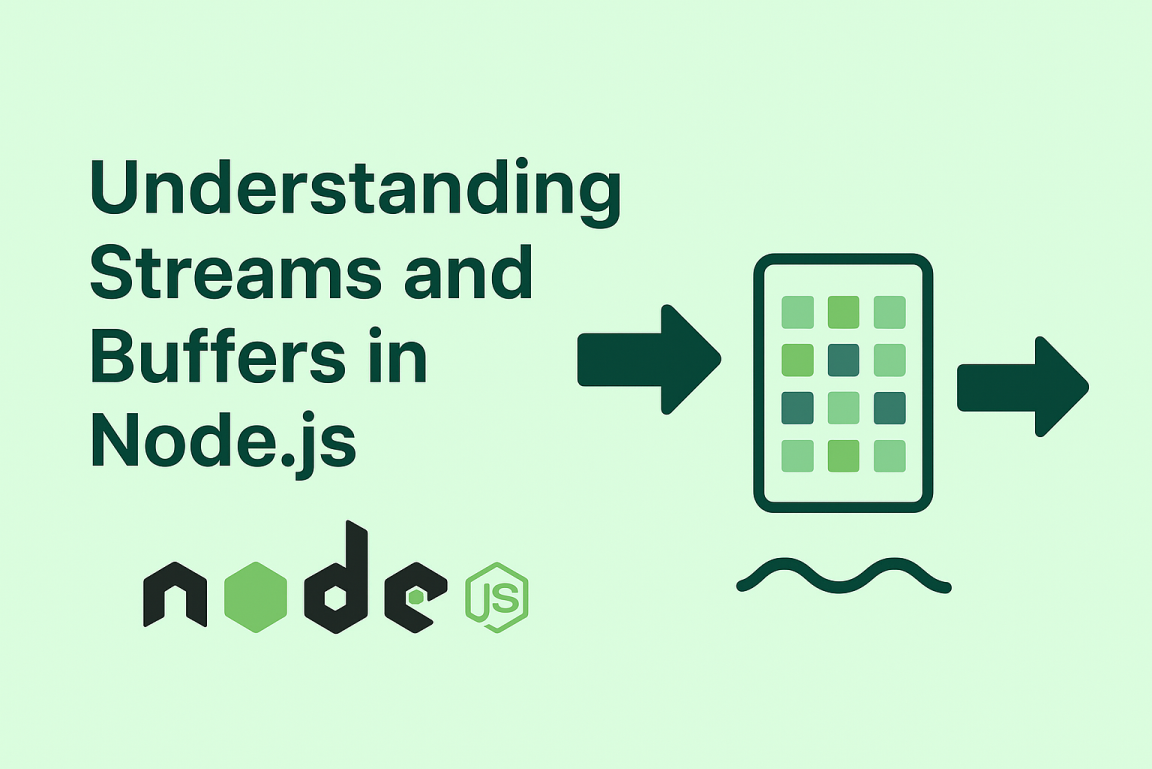
In simple terms, a Buffer is a temporary storage area for raw binary data, while a Stream is a continuous flow of data that can be read or written piece by piece.
Streams allow Node.js to process data as it arrives instead of waiting for the entire dataset — making it ideal for large files or real-time data transfer.

Why Use Streams and Buffers?

Without streams, Node.js would have to load entire files or responses into memory before processing, which can quickly become inefficient and slow.
Streams and buffers solve this by:

  • Reducing memory usage by handling data in chunks.
  • Improving performance for large file operations.
  • Allowing real-time data handling (like video/audio streaming).
  • Enabling backpressure management — controlling the flow of data between readable and writable streams.

Understanding Buffers in Node.js

Buffers in Node.js are used to handle binary data directly. They are particularly useful when dealing with file systems, network protocols, or any data that isn’t purely text-based.
Here’s a simple example:

const buffer = Buffer.from('Hello, Node.js!');
console.log(buffer); // Prints raw bytes
console.log(buffer.toString()); // Converts back to readable text

Each character is stored as a sequence of bytes. The Buffer class provides methods like .from(), .alloc(), and .concat() to create and manage binary data effectively.

Understanding Streams in Node.js

A stream in Node.js represents a sequence of data chunks that can be read or written continuously. There are four main types of streams:

  • Readable Streams – for reading data (e.g., fs.createReadStream()).
  • Writable Streams – for writing data (e.g., fs.createWriteStream()).
  • Duplex Streams – for both reading and writing (e.g., network sockets).
  • Transform Streams – for modifying data while it passes through (e.g., compression).

Example: Reading a File with Streams

Let’s see how to read a file using a stream instead of loading it all at once:

const fs = require('fs');

const readStream = fs.createReadStream('largefile.txt', 'utf8');

readStream.on('data', chunk => {
  console.log('Received chunk:', chunk);
});

readStream.on('end', () => {
  console.log('Finished reading file.');
});

Here, Node.js reads the file in chunks and emits a data event for each part, allowing you to process it piece by piece without overloading memory.

Example: Writing to a File with Streams

You can also use writable streams to output data efficiently:

const fs = require('fs');

const writeStream = fs.createWriteStream('output.txt');
writeStream.write('Hello, ');
writeStream.write('Streams and Buffers!');
writeStream.end();

writeStream.on('finish', () => {
  console.log('File written successfully!');
});

This approach is ideal for writing large datasets incrementally instead of holding everything in memory.

Combining Streams – Piping Data

One of the most powerful features of Node.js streams is piping. It allows data from one stream to be passed directly into another:

const fs = require('fs');

const readStream = fs.createReadStream('input.txt');
const writeStream = fs.createWriteStream('output.txt');

readStream.pipe(writeStream);

With just one line of code, data flows automatically from the readable stream to the writable stream — efficient, elegant, and memory-friendly.

How Buffers and Streams Work Together

When data is read from a file or network, Node.js stores it in a buffer before passing it to the application.
Streams use these buffers internally to manage the flow of data, ensuring smooth and efficient handling even when large amounts of information are involved.

Conclusion

Streams and Buffers are the backbone of efficient data handling in Node.js. By processing data in chunks rather than all at once, they make your applications faster, more scalable, and memory-efficient.
Whether you’re handling file uploads, APIs, or real-time data, mastering these concepts will help you build high-performance Node.js applications that can handle the demands of modern development.

RECENT POSTS

Socket.IO Security Unveiled: Mastering Authentication & Authorization for Robust Real-time Applications

Socket.IO Security Unveiled: Mastering Authentication & Authorization for Robust Real-time Applications Divya Pal 4 February, 2026 In the dynamic landscape of modern web development, real-time applications have become indispensable, powering everything from chat platforms to collaborative editing tools. At the heart of many of these interactive experiences lies Socket.IO, a powerful library enabling low-latency, bidirectional […]

Prisma ORM in Production: Architecting for Elite Performance and Seamless Scalability

Prisma ORM in Production: Architecting for Elite Performance and Seamless Scalability Shubham Anand 16 February 2026 In the rapidly evolving landscape of web development, database interaction stands as a critical pillar. For many modern applications, Prisma ORM has emerged as a powerful, type-safe, and intuitive tool for interacting with databases. However, transitioning from development to […]

Streamlining DevOps: The Essential Guide to Gatling Integration in Your CI/CD Pipeline

Streamlining DevOps: The Essential Guide to Gatling Integration in Your CI/CD Pipeline Megha Srivastava 04 February 2026 In the dynamic landscape of modern software development, the quest for efficiency and reliability is paramount. DevOps practices have emerged as the cornerstone for achieving these goals, fostering seamless collaboration and rapid delivery. Yet, even the most robust […]

Fortifying Your Enterprise: Playwright Best Practices for Unbreakable Test Resilience

Fortifying Your Enterprise: Playwright Best Practices for Unbreakable Test Resilience Megha Srivastava 04 February 2026 In the dynamic landscape of enterprise software development, the quest for robust, reliable, and efficient testing is paramount. As systems grow in complexity, the challenge of maintaining an ironclad testing suite that withstands constant evolution becomes a critical differentiator. This […]

The TanStack Query Revolution: Elevating Your Data Fetching Paradigm from Basic to Brilliant

The TanStack Query Revolution: Elevating Your Data Fetching Paradigm from Basic to Brilliant GAURAV GARG 04 February 2026 In the dynamic landscape of web development, managing server state and data fetching often presents a labyrinth of challenges. From stale data and intricate caching mechanisms to race conditions and manual error handling, developers frequently grapple with […]

POPULAR TAG

POPULAR CATEGORIES